About
What is Db pilot?
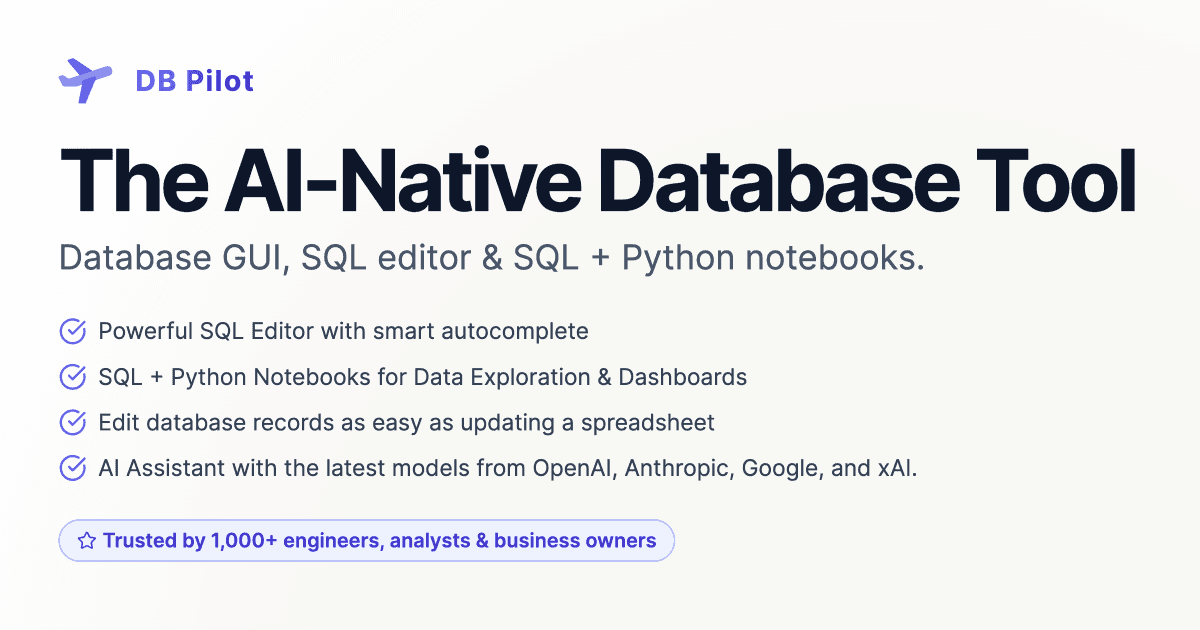
DB Pilot is an AI-native database tool designed to streamline database interactions for engineers, analysts, and business owners. It features a powerful SQL editor with smart autocomplete, SQL + Python notebooks for data exploration and dashboards, and an intuitive interface for editing database records like a spreadsheet. The integrated AI Assistant, powered by models like GPT-5, Claude 4.5, and Gemini 2.5 Pro, helps users generate and refine SQL queries, explain complex code, and fix errors. It supports PostgreSQL, MySQL, SQLite, DuckDB, and CockroachDB, with more databases coming soon. Users can build interactive dashboards, parameterize notebooks with Jinja templating, and manage AI context for tailored assistance.
Best used for
Ideal for engineers, analysts, and business owners who need to quickly query and explore data, generate SQL with AI assistance, and build interactive dashboards. Especially valuable for those working with multiple database types and seeking to combine SQL and Python for data analysis.
Common actions
AI SQL assistantdatabase GUI clientSQL query management
Capabilities
Key features
- AI-native database GUI
- SQL + Python notebooks
- AI Assistant
- Smart SQL autocomplete
- Interactive dashboards
- Database record editor
- Multi-format data export
Target Audience
data scientistdeveloperanalystbusiness owner
Integrations
Not yet documentedPricing & Plans
Freemium ยท Paid ยท Starting at USD 20.00
Pricing plans available, starting at $20/month.
FAQs
Which operating systems does DB Pilot support?
DB Pilot currently supports Mac (both M chip and Intel). Support for Linux and Windows operating systems is planned and will be coming soon, expanding its accessibility to a wider user base.
What databases can I connect to with DB Pilot?
DB Pilot supports connections to PostgreSQL, MySQL, SQLite, DuckDB, CockroachDB, and chDB (local ClickHouse). The developers are continuously working to add support for more databases in future updates.
How does the AI Assistant use my data?
The AI Assistant does not read your actual data. It only accesses table and column schemas to provide relevant assistance for query generation and explanations. All app data and connection credentials are stored locally on your computer for privacy.
What is the difference between the subscription and one-time purchase plans?
The $20/month subscription covers AI feature costs and includes all premium features with continuous updates. The $79 one-time purchase includes premium features and updates for one year, but requires you to provide your own API keys for AI providers.