invideo AI is a Video Generation tool that transforms text into dynamic, full-length videos. It automatically generates scripts, adds video clips, subtitles, background music, and transitions.
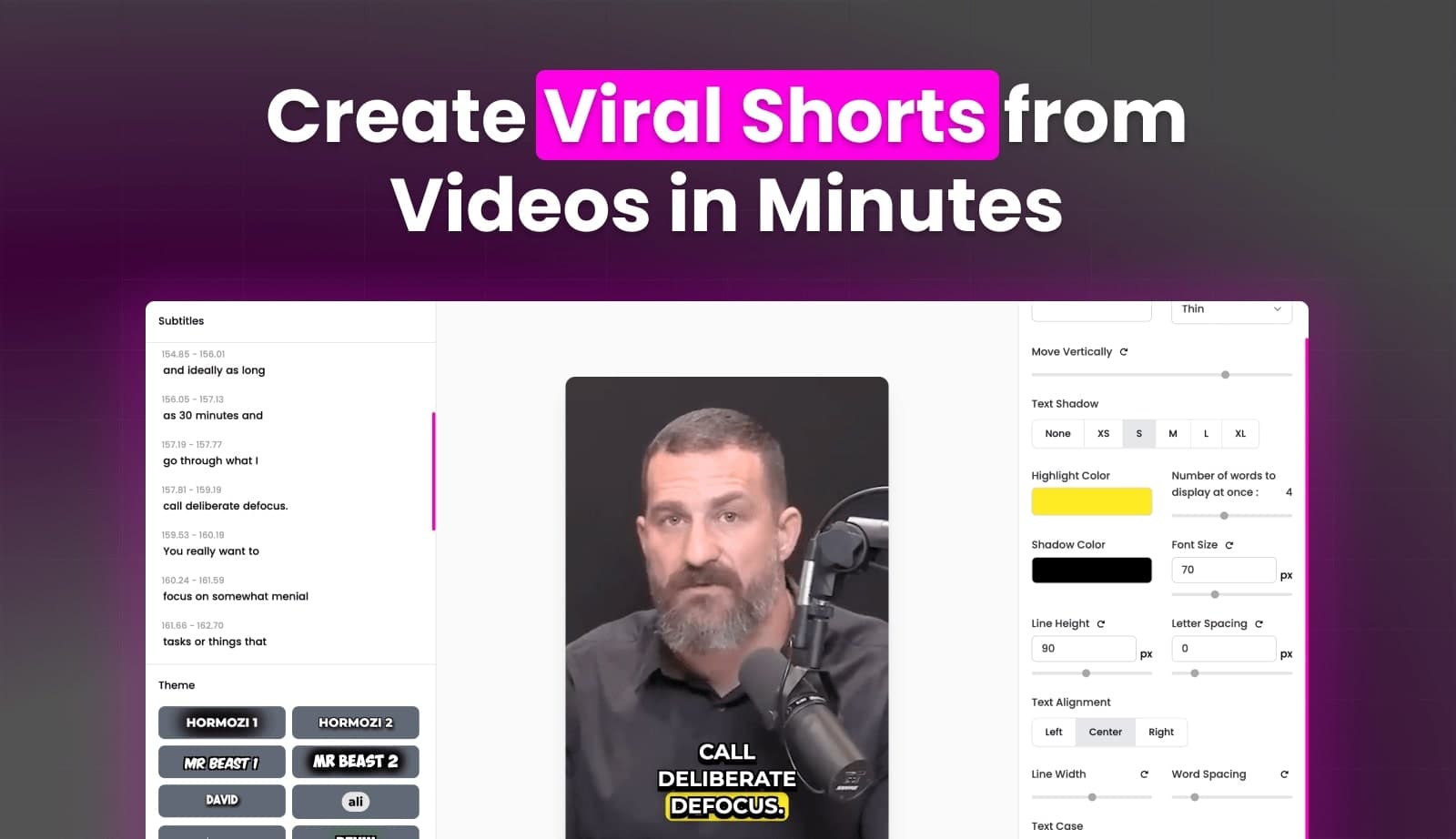
invideo AI is an AI video generator designed to simplify video creation by transforming text inputs into publish-worthy videos. The tool automatically generates scripts, adds relevant video clips from a vast library of 16 million stock media, incorporates subtitles, background music, and transitions. Users can edit videos using text prompts, effectively communicating changes to the AI as they would to a human editor. It also offers an AI YouTube script generator and a voiceover generator with human-sounding AI speech in various languages and accents, eliminating the need for users to appear on camera or use a microphone. This platform aims to help users create engaging video content at scale without a steep learning curve.
Best used for
Ideal for content creators and marketers who need to quickly generate videos from text, create engaging YouTube content, and produce social media clips. Especially valuable for those who want to create videos at scale without needing to appear on camera or hire voice artists.
Common actions
generate videos from text
create video scripts
add voiceovers to videos
edit videos with AI
produce marketing videos
video generatorsSocial Mediavideo editing
Capabilities
Key features
Text-to-video generation
AI script generation
Automatic video clip selection
Subtitles and transitions
AI voiceover generation
Text-prompt video editing
Background music addition
Target Audience
content creatormarketersocial media manageryoutuber
Integrations
Not yet documented
Pricing & Plans
Freemium · Paid · Usage-based
Freemium: Free plan available with limited video minutes and AI credits. Paid plans offer more features and usage.
FAQs
How does invideo AI handle video editing with text prompts?
invideo AI allows users to edit their generated videos by simply typing instructions into a prompt box. The AI interprets these text commands to make changes such as deleting scenes, replacing stock footage, or altering accents, functioning like a human video editor.
Do I need to download any software to use invideo AI?
No, invideo AI is a web-based tool that operates directly in your browser. It is compatible with popular browsers like Safari and Google Chrome across various devices, from mobile to desktops, requiring no software downloads.
How do credits work on the invideo AI platform?
Credits act as currency for video creation, generative models, and other features. They are charged differently based on the specific feature used. Unused credits do not roll over to the next month and reset at the start of each billing cycle.
What happens to my credits if I upgrade or downgrade my plan?
If you upgrade, any unused credits from your previous plan will roll over. If you downgrade or cancel, your subscription remains active until the current billing cycle ends, after which your account reverts to the Free plan and unused paid credits expire.