About
What is Mito AI?
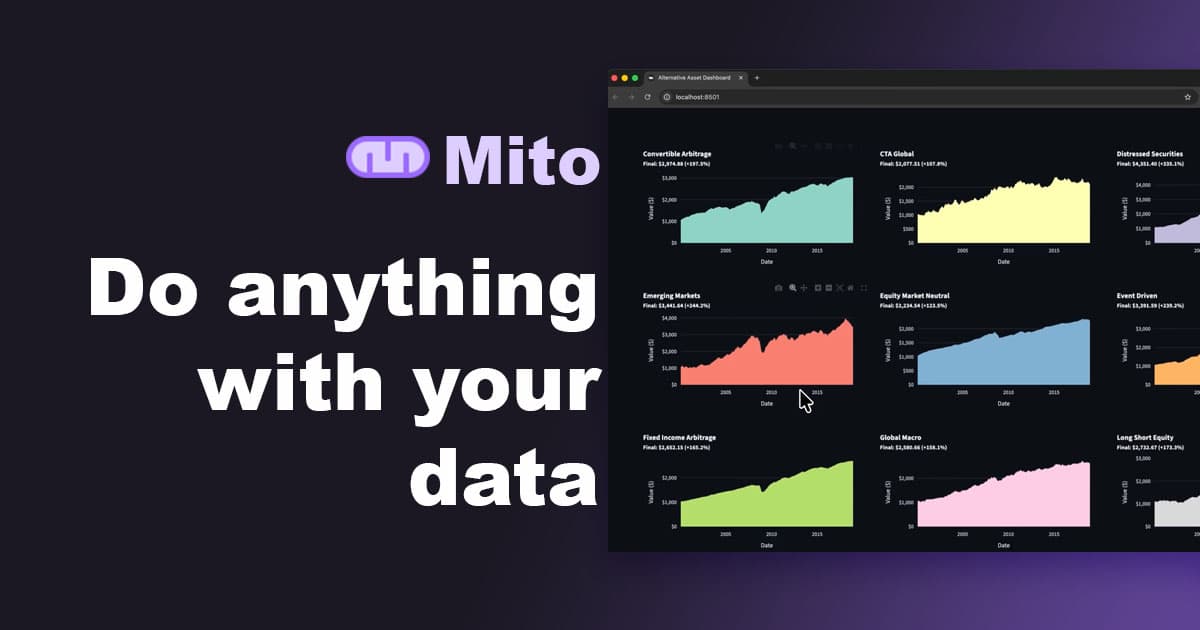
Mito AI enhances Jupyter Notebook workflows by integrating AI for data and Excel automations. It features a Jupyter Agent that acts as a coding assistant, understanding data and updating notebooks. Users can edit data with an Excel-like spreadsheet interface, complete with formulas, pivots, and filters, which then generates corresponding Python code. Mito also offers a Chart Wizard for point-and-click chart creation, auto error correction, and database connections for SQL queries. For enterprises, it supports integration with various LLM providers like OpenAI, Anthropic, and Gemini, ensuring data privacy by running 100% on the user's infrastructure without sending data to Mito.
Best used for
Ideal for data scientists and analysts who need to automate Excel reports, accelerate exploratory data analysis, and build and iterate on machine learning models faster. Especially valuable for those requiring data privacy and the flexibility to integrate with various LLM providers within their existing Jupyter environment.
Common actions
data processing automationspreadsheet automationPython code generation for spreadsheet
Capabilities
Key features
- AI Jupyter Agent
- Excel-like Spreadsheet
- Auto Error Correction
- Database Connections
- Streamlit App Builder
- LLM Provider Integration
- Python Code Generation
Target Audience
data scientistdeveloperaccountantmarketer
Integrations
jupyterstreamlitdashopenaianthropicgeminiqwenlitellm+ 3 more
Pricing & Plans
Freemium · Paid · Enterprise · Open Source
Not publicly disclosed. Check trymito.io for current pricing.
FAQs
Is Mito AI free to use?
Mito AI offers a free Open Source version with 150 AI completions per month, including AI Chat, Agent, and Autocomplete. A Pro version is available for $20/user per month with unlimited AI completions and advanced features, while Enterprise plans offer custom solutions.
What kind of data privacy does Mito AI offer?
Mito AI is designed for enterprises with privacy in mind. It runs 100% on your infrastructure, meaning no data is sent to Mito. Users bring their own API keys for LLM providers like Azure or AWS, ensuring data remains within their systems.
Can Mito AI automate spreadsheet tasks?
Yes, Mito AI is specifically designed to automate spreadsheet tasks. By performing your workflow once in Mito, it generates a Python script that can be rerun on new data, effectively automating repetitive reporting and analysis processes.
What Jupyter environments does Mito AI support?
Mito AI is a Jupyter extension compatible with JupyterLab, Jupyter notebooks, JupyterHub, and SageMaker. It also allows the Mito Spreadsheet to be used within Streamlit and Dash apps, enhancing its integration into various Python data workflows.