About
What is UX Pilot AI?
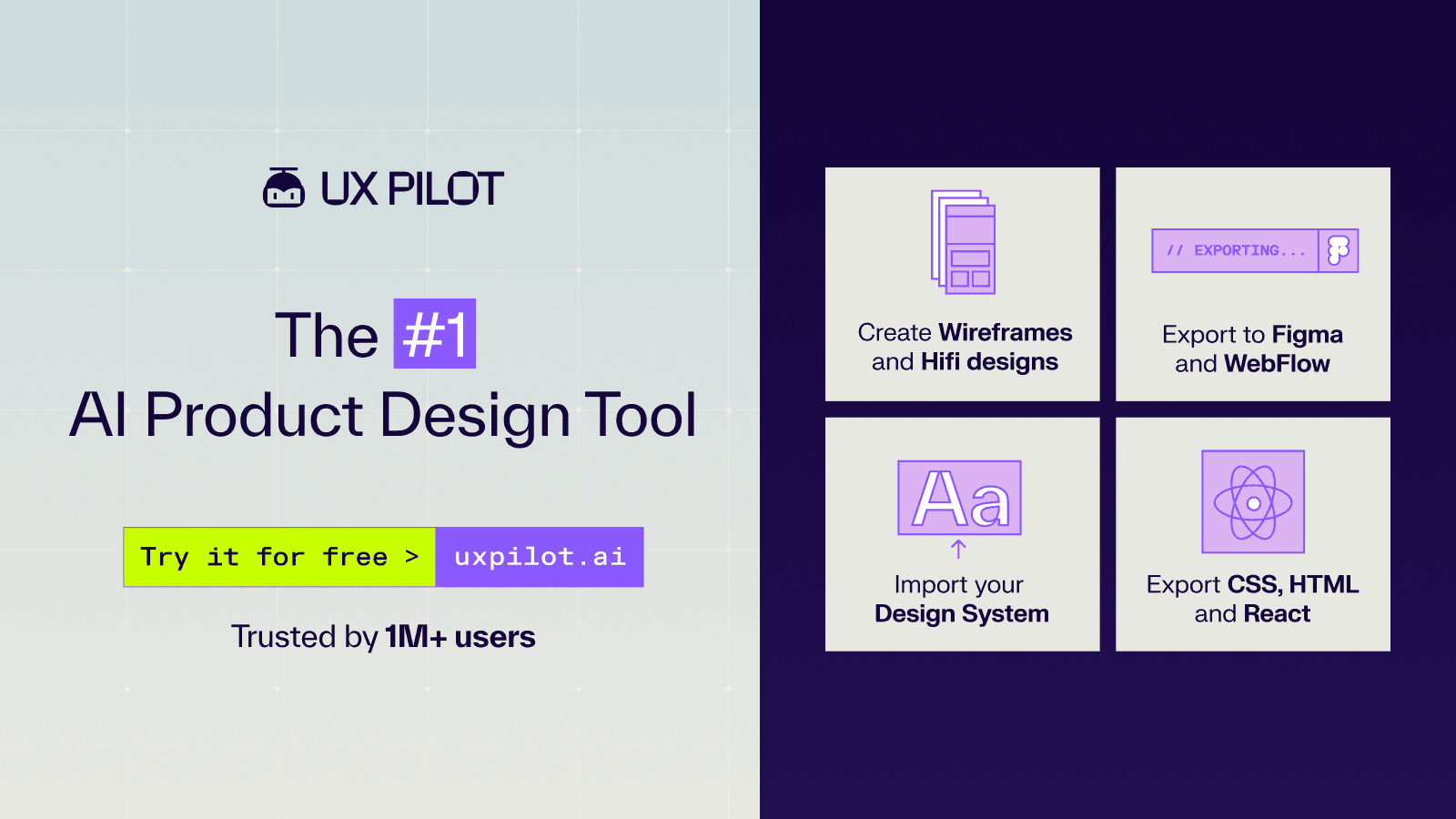
UX Pilot AI is an AI-powered UX/UI design platform that transforms ideas into production-ready interfaces in seconds. It allows users to generate wireframes and high-fidelity UI designs from natural language prompts, supporting multi-screen user journeys and adapting layouts for various devices. The platform integrates with Figma for further customization and offers clean code export in React/HTML/Tailwind, with GitHub sync capabilities. Key features include AI UI generation, wireframe generation, autoflow for user journeys, one-click high-fidelity generation, and design system support. It also provides UX analysis and the ability to convert PRDs or sketches into digital interfaces, streamlining the entire UX workflow from ideation to handoff.
Best used for
Ideal for UX/UI designers, product managers, and developers who need to rapidly generate wireframes, high-fidelity UI designs, and complete user flows. Especially valuable for accelerating the design process from ideation to production-ready code and integrating with existing design tools like Figma.
Common actions
Figma integrationdata-driven insightscustom modelideationflow mappinguser flowscode exportvalidationhandoffproduction-ready ui+ 4 more
Capabilities
Key features
- AI UI generation
- AI wireframe generation
- Autoflow user journeys
- Figma integration
- Code export
- UX analysis
- Sketch to high-fidelity
Target Audience
ux designer
Pricing & Plans
Freemium · Paid · Enterprise
FAQs
Can I test UX Pilot before subscribing?
Yes, you can sign up for a free account and receive complimentary credits to generate wireframes, high-fidelity designs, and predictive heatmaps at no cost.
Does UX Pilot support iterative design processes?
Yes, the tool is designed for iterative workflows. You can generate multiple design versions, refine them based on feedback, and continuously improve your work using AI-powered features.
What types of designs can I create with UX Pilot?
You can create wireframes, high-fidelity mockups, and predictive heatmaps for both mobile and desktop platforms, supporting single screens and complex user flows.
Can I customize the AI-generated designs?
Yes, UX Pilot allows customization of AI-generated designs. You can modify colors and fonts to match your brand guidelines and import designs into Figma for further editing and collaboration.
Does UX Pilot use customer data to train its AI models?
No, UX Pilot states that it does not use customer data to train its AI models. Your data is encrypted at rest and in transit using Google Cloud 256-bit AES encryption.
What is UX Pilot's refund policy?
UX Pilot does not offer refunds due to high AI model and GPU provisioning costs. If you encounter issues, you can contact their support team for assistance.