About
What is AI Subtitle Generator - Maestra?
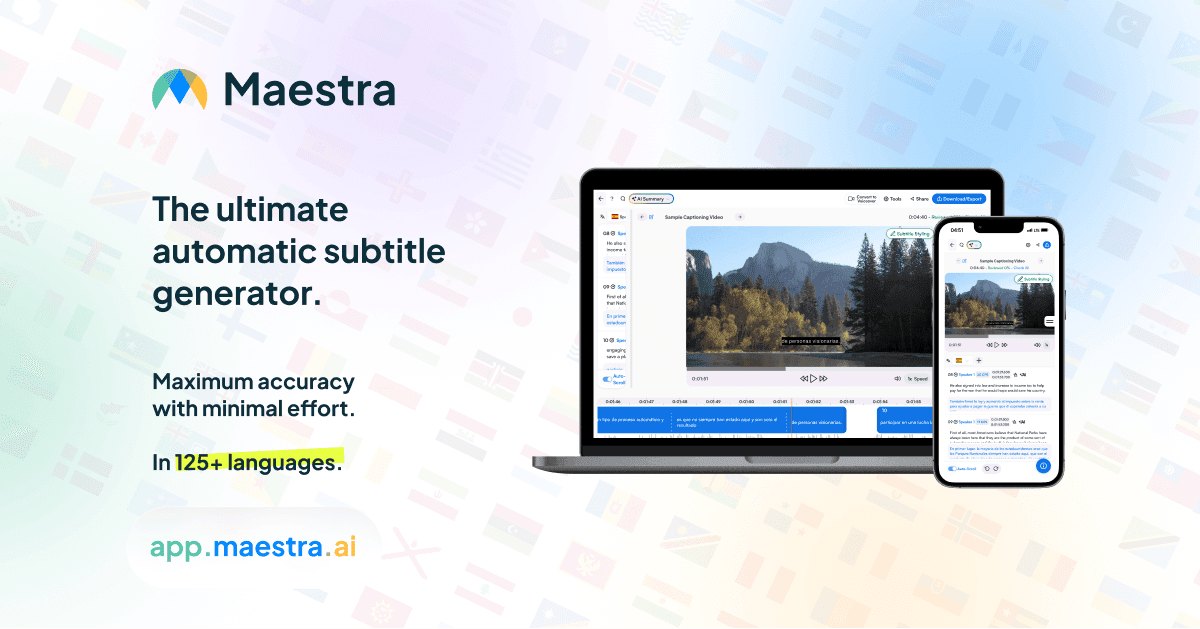
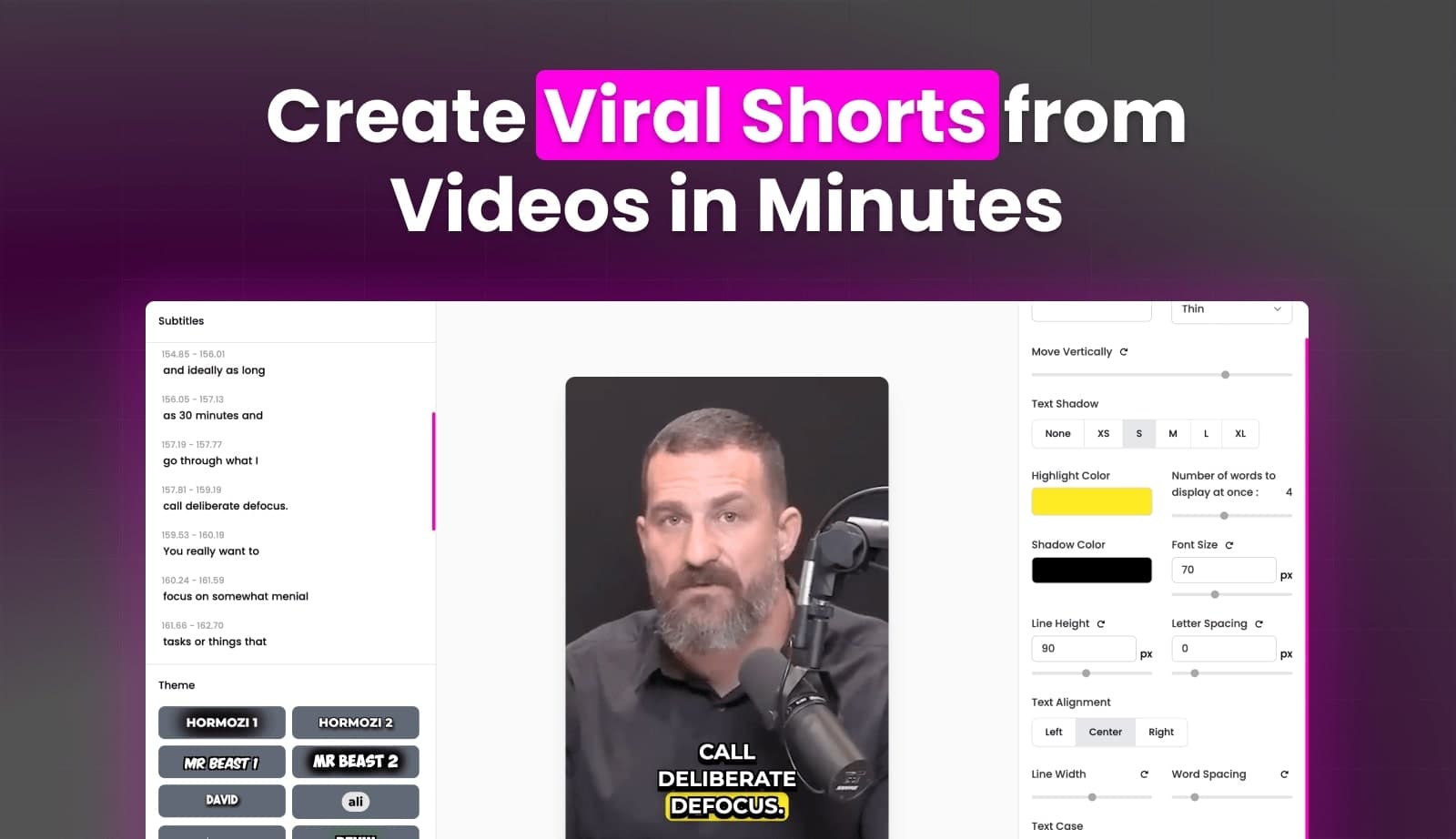
Maestra AI Subtitle Generator provides an efficient solution for creating accurate subtitles and captions for video content. Leveraging advanced AI transcription and translation technology, it supports over 125 languages, enabling users to reach a global audience. The tool offers an intuitive editor for detailed customization, including font, size, color, and positioning, ensuring subtitles match content styling. Users can export subtitles in multiple formats like SRT, VTT, and SCC, compatible with various platforms. Maestra also features live captioning and translation, team collaboration, and integrations with platforms like YouTube and Zoom, streamlining workflows for content creators and businesses alike. It operates entirely online, requiring no downloads, and offers a free trial.
Best used for
Ideal for content creators and youtubers who need to make their video content accessible, localize videos for international viewers, and streamline post-production workflows. Especially valuable for those requiring high accuracy and diverse language support for their video projects.
Common actions
Videomultimediaprojectstranscriptionvoiceovercaption generationAudiosubtitle
Capabilities
Key features
- Auto-generate subtitles
- 125+ language support
- Intuitive subtitle editor
- Multiple export formats
- Live captioning
- Team collaboration
- Platform integrations
Target Audience
content creatoryoutuber
Integrations
youtubetiktokzoomslack
Pricing & Plans
Freemium · Paid · Enterprise · Usage-based · Starting at USD 12.00
FAQs
Is there a free subtitle generator available?
Yes, Maestra offers a free subtitle generator that allows users to create subtitles in over 125 languages without requiring a credit card or account. You can upload a video and generate subtitles for free to try the service.
What subtitle formats does Maestra support for export?
Maestra supports a wide range of industry-standard subtitle formats for export, including SRT, VTT, SCC, STL, CAP, SBV, TXT, and XML. This ensures compatibility with various platforms and workflows, from YouTube to broadcasting.
Can I customize the appearance of the generated subtitles?
Absolutely. Maestra's subtitle editor provides extensive styling options. You can customize the font, size, color, background, and positioning of your subtitles to perfectly match your brand or content's aesthetic requirements.
Does Maestra offer live captioning and translation features?
Yes, Maestra provides capabilities for live subtitling and translation in over 125 languages. This feature allows you to caption live streams, events, and webinars in real-time, making your content accessible to a broader audience instantly.