How does SpeakShift AI preserve my voice during translation?
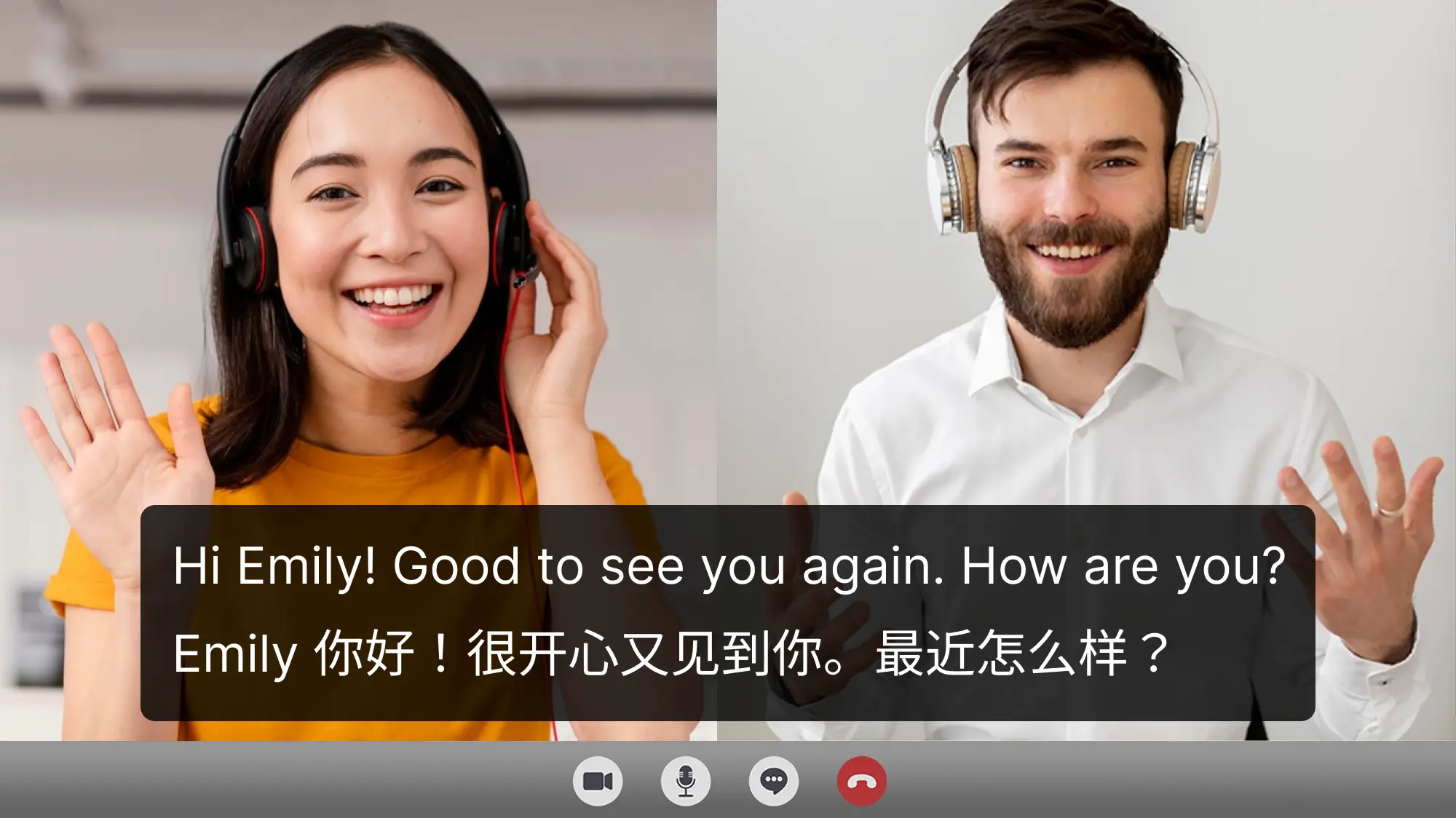
SpeakShift AI uses neural voice cloning technology to analyze your unique vocal characteristics, including pitch, timbre, and cadence. It then synthesizes the translated speech in a voice that sounds like your own, ensuring your personality and emotion are maintained, unlike generic text-to-speech.
What is the typical latency for real-time translation?
The tool targets an end-to-end latency of under 200ms for real-time conversations. While actual performance can vary based on internet connection and device, most users experience seamless and natural-feeling dialogue without awkward pauses or lag.
Is SpeakShift AI suitable for enterprise use and sensitive conversations?
Yes, SpeakShift AI offers an Enterprise plan with robust security features. This includes HIPAA-compliant infrastructure, end-to-end encrypted audio streams, SOC 2 compliance, Business Associate Agreements (BAA), and audit logging, ensuring privacy and data protection for sensitive conversations.
Can I use SpeakShift AI with my existing communication platforms?
SpeakShift AI provides native integrations with popular platforms such as Zoom, Microsoft Teams, Google Meet, and Webex. Additionally, it offers a REST API, allowing for custom integration with virtually any other platform or application you might be using.
Does SpeakShift AI store or use my conversation data for training?
By default, SpeakShift AI does not store conversation audio or content. Enterprise customers have the option to configure specific data retention policies. The company explicitly states that customer conversations are never used to train their AI without explicit consent.