About
What is VideoStew?
VideoStew is an AI-powered online video editor designed to make video creation accessible and efficient for everyone, from beginners to professionals. It offers a unique slide-based editing experience, similar to PowerPoint, allowing users to quickly assemble videos. Key features include the ability to generate video drafts from text, blog URLs, or even voice inputs, significantly speeding up the initial production phase. The platform provides a vast library of copyright-free assets, including AI voices, background music, stock videos, and images, ensuring users have all the necessary components without licensing concerns. VideoStew also supports team collaboration, custom templates for brand consistency, and AI tools for script optimization and automatic captioning. Its cloud-based nature means professional editing can be done anytime, anywhere, on any device, without requiring a high-performance PC.
Best used for
Ideal for content creators and marketers who need to quickly produce professional videos from text, blog posts, or scripts. Especially valuable for those seeking an easy-to-use, PowerPoint-like editing experience with integrated AI features for voice generation, asset selection, and automatic captioning.
Common actions
AI video editingVideo creationonline video editor
Capabilities
Key features
- AI video draft generation
- Slide-based video editing
- Copyright-free asset library
- AI voice cloning
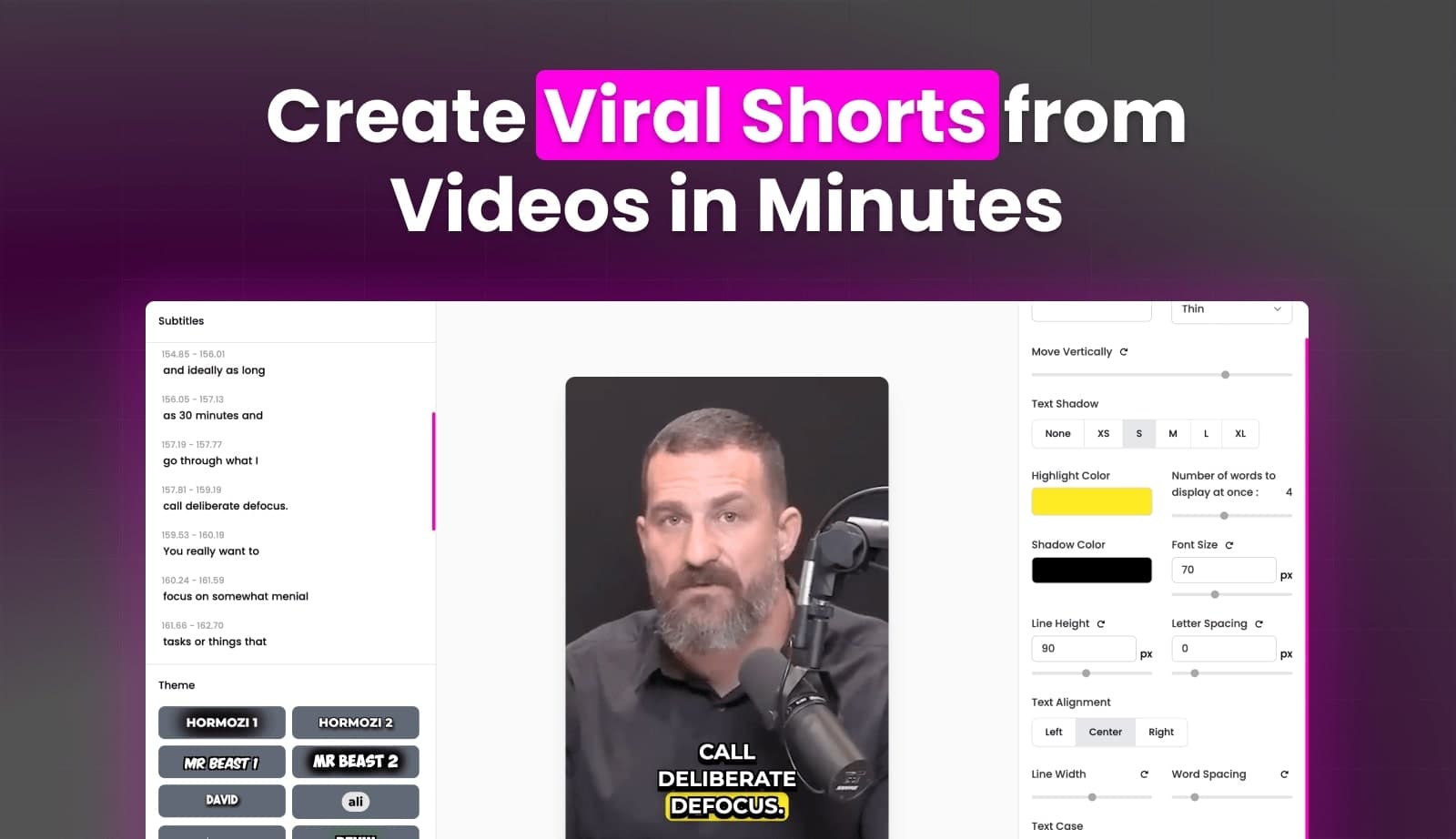
- Automatic captioning
- Magic video resizing
- Team collaboration
Target Audience
content creatorsocial media manageryoutuberreal estate agent
Integrations
Not yet documentedPricing & Plans
Freemium · Paid · Usage-based
Not publicly disclosed. Check videostew.com for current pricing.
FAQs
Does VideoStew offer a free trial?
Yes, when you sign up for VideoStew, you can use it free for 14 days. Videos created during the trial can also be published on your channels in accordance with VideoStew’s Terms of Service.
How do credits work in VideoStew?
Credits are points used for paid tasks like rendering and AI generation. For example, video rendering costs 5 credits per second, and AI image generation is around 75-100 credits. Credits reset monthly, and unused credits can roll over once.
Can I customize video settings and templates in VideoStew?
Yes, VideoStew provides extensive customizable settings for video editing. Users can create and save their own templates, adjust video parameters like resolution and aspect ratio, and customize text styles, animations, and color correction tools.
Is there a steep learning curve for VideoStew?
VideoStew is designed to be intuitive with an almost non-existent learning curve, similar to Canva or PowerPoint. Its drag-and-drop simplicity, real-time previews, and ready-to-use templates allow users to create professional videos quickly.
Does VideoStew support team collaboration?
Yes, the Brand Plan allows the paying user to invite teammates up to the plan’s limit. Teammates collaborate in a shared Brand workspace, and each invited user also gets a personal workspace for individual projects.