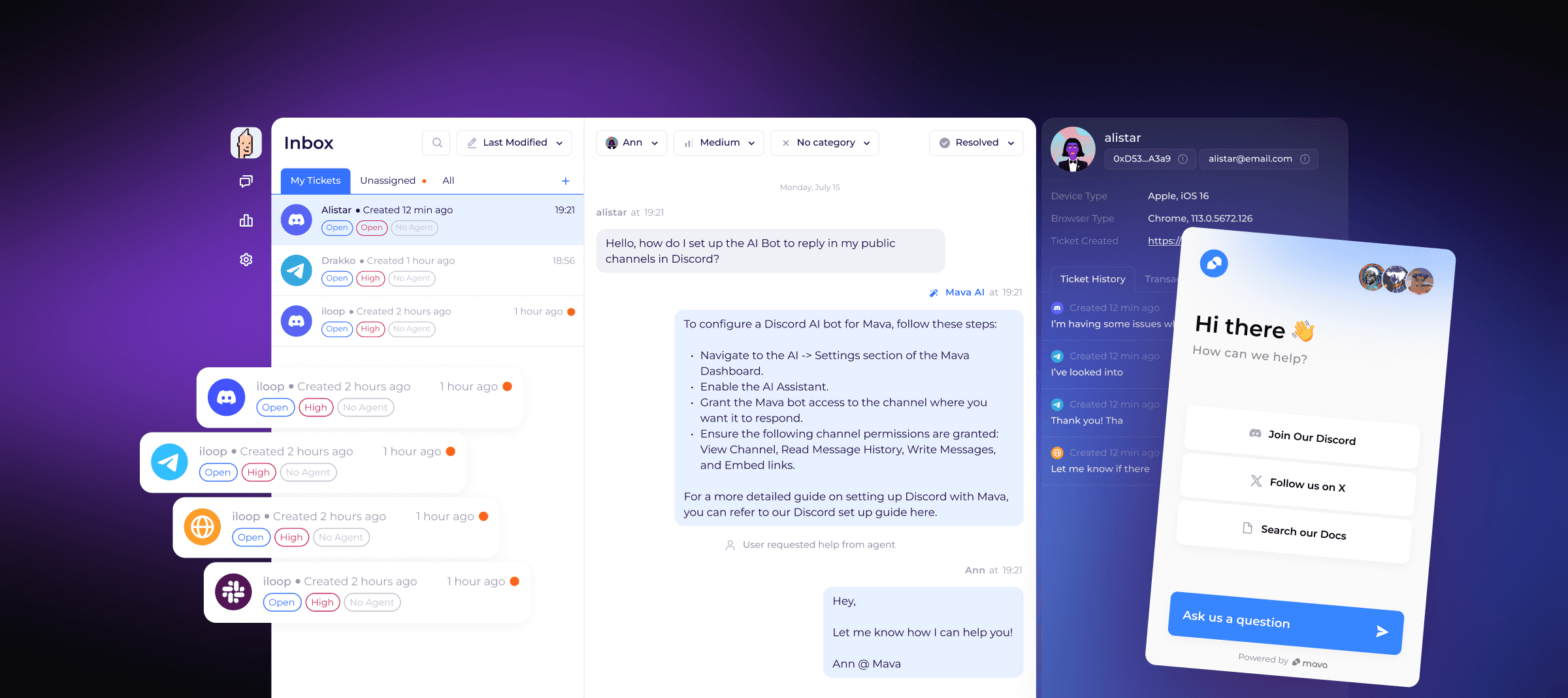
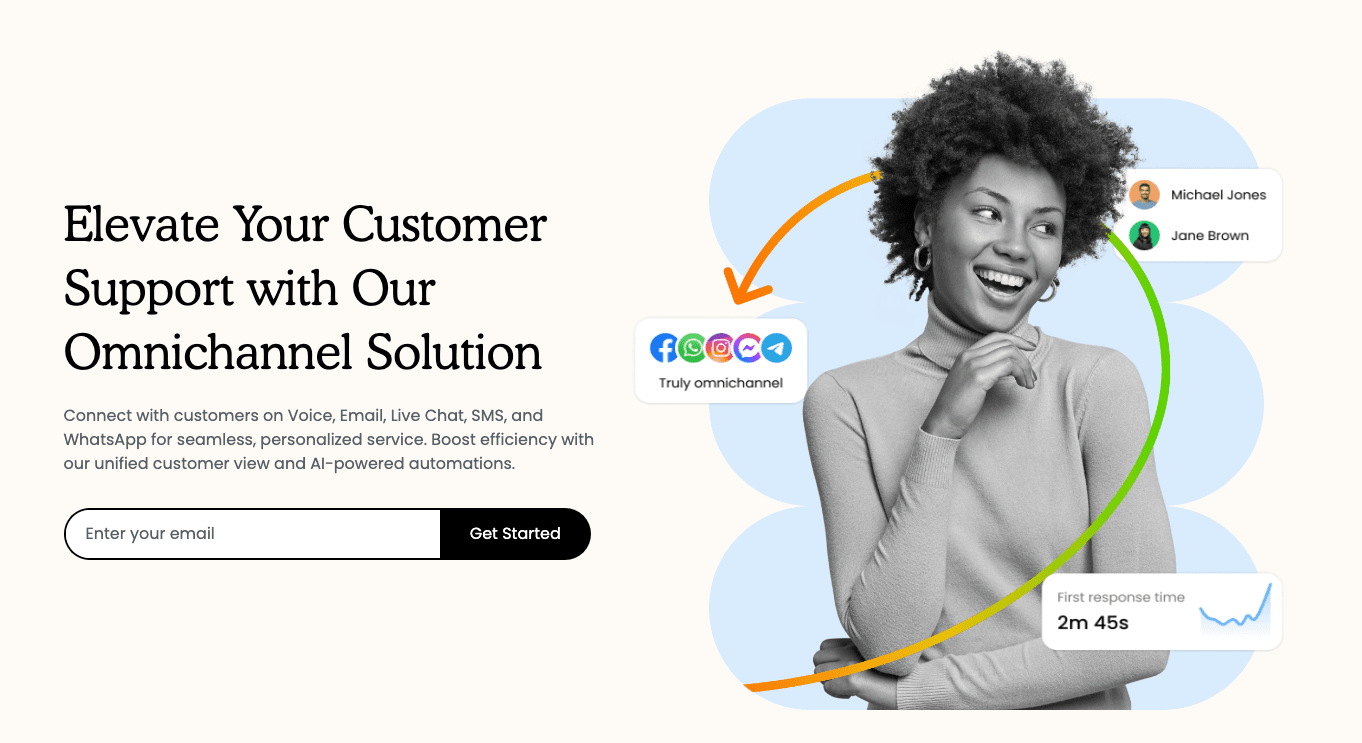
Mava is an AI-powered community support platform that integrates with Discord, Telegram, and Slack. It provides a shared inbox for managing tickets and instant AI responses to user queries.
Mava is an AI-powered community support platform designed to streamline customer service across Discord, Telegram, and Slack. It offers a unified shared inbox to manage all support tickets, enabling teams to handle thousands of conversations efficiently. The platform features an AI support agent that can be trained in minutes using existing knowledge bases, providing instant responses in both public channels and private tickets with seamless human handover. Mava also includes built-in analytics to track team performance, monitor response times, AI resolution rates, and customer satisfaction. It helps community-driven companies reduce ticket volume by up to 60% and scale their support operations.
Best used for
Ideal for community managers and support teams who need to centralize support across Discord, Telegram, and Slack, automate responses with AI, and track performance. Especially valuable for community-driven companies looking to scale their support operations and reduce ticket volume.
community managerscustomer support teamsstartup foundersdiscord/telegram/slack admins
Integrations
discordtelegramslackemail
Pricing & Plans
Freemium · Paid · Enterprise · Starting at USD 99.00
$99 month / workspace
FAQs
Does Mava offer a free plan?
Yes, Mava provides a free plan that includes support for Discord, Telegram, and Slack, along with AI-powered responses. It allows for up to 100 support requests per month and is ideal for smaller communities or for testing the platform's capabilities.
What happens if I exceed my support request limit?
If your support volume surpasses the limit, your Mava account will remain active, and users can still open tickets. However, new tickets will be hidden until you upgrade your plan, and the public AI bot will temporarily stop functioning.
Can I train Mava's AI with my existing content?
Yes, Mava allows you to train its AI in minutes using your current knowledge base, website content, Google Docs, GitBook, or other support resources. You can also test the AI directly in the dashboard before going live.
How many team members can I add to Mava?
Mava does not impose a limit on the number of agents you can add to any plan. Pricing is based on the volume of support requests, not per-seat, allowing your entire team to access the shared inbox and collaborate without extra costs.